Control your sound volume and output devices with global hotkeys or mouse from anywhere, including games and fullscreen applications.
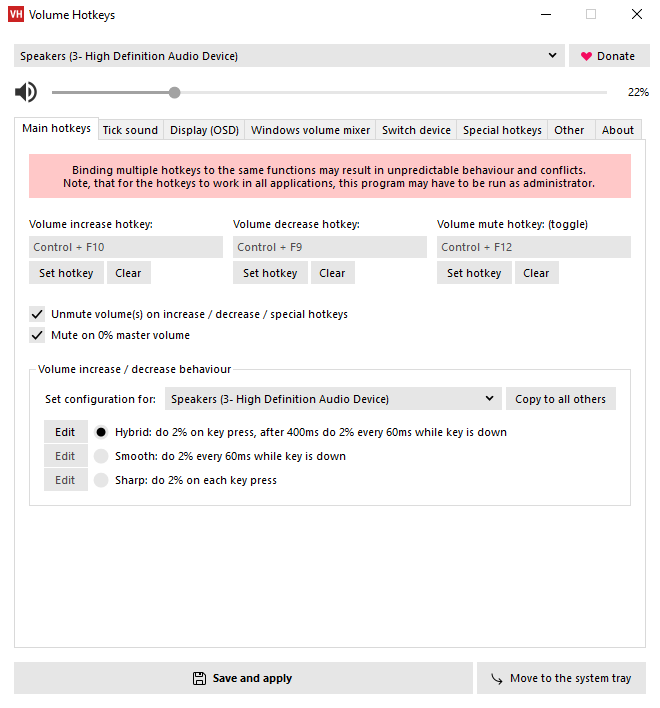
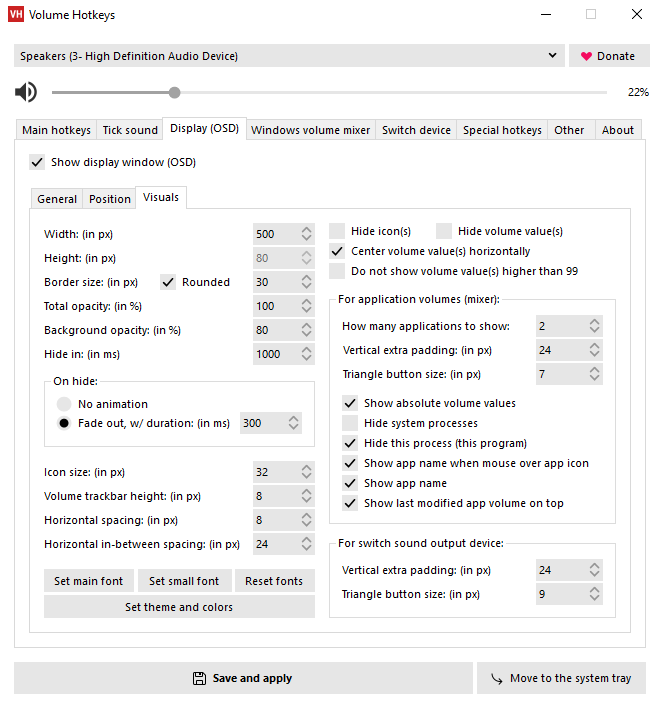
A customizable on-screen display (OSD) window can be shown over other applications. You can separately change the master and application sound volumes with your keyboard or mouse.
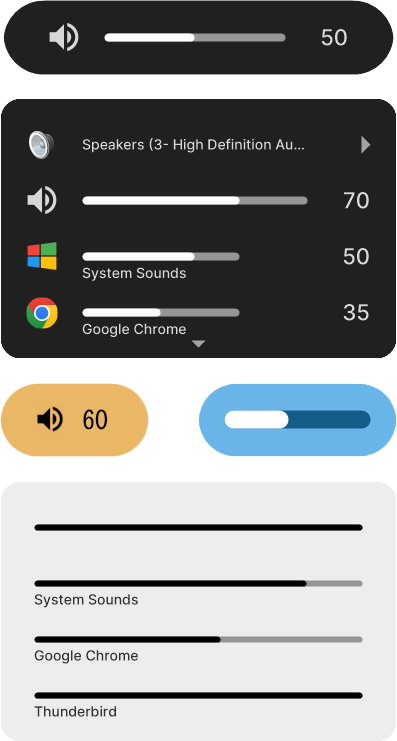
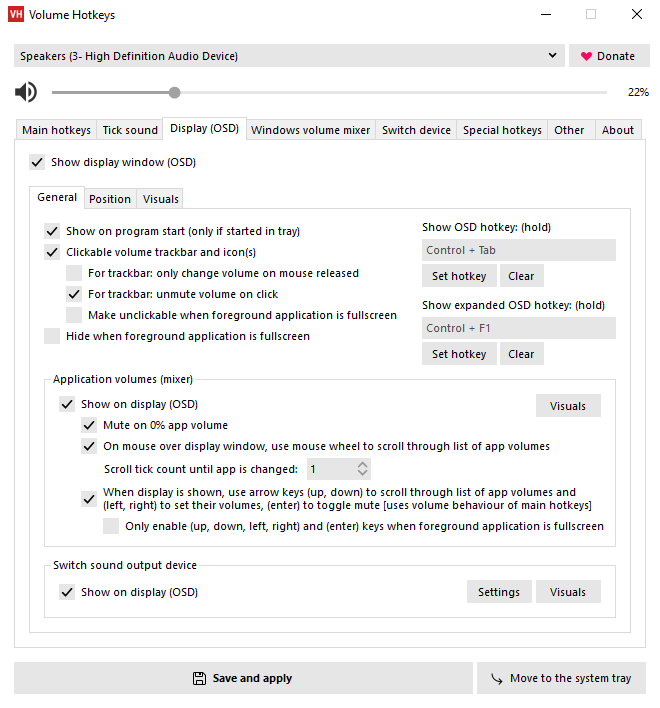
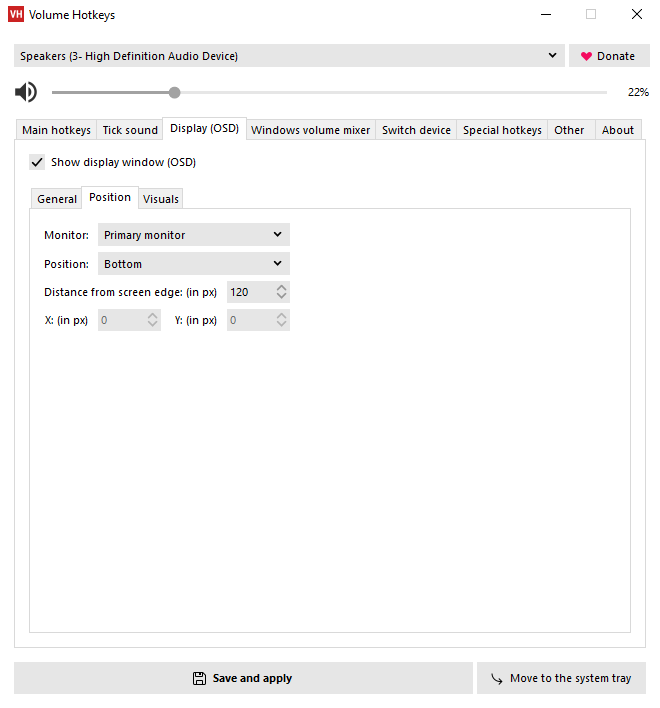
Sound output devices can be switched via hotkeys. Can auto‑mute volume on suddenly disconnected sound device.
Additional special hotkeys can be used to quickly toggle between different presets of sound output devices, master volumes and mutes, or run an external file.
Set different increase / decrease volume behaviour configurations for different sound output devices.
Volume changes can be accompanied by a tick sound on volume changes.
The Windows volume mixer can be opened at a specific screen position on hotkey press.
Can be easily run on Windows startup and moved to the system tray for background operation.
Add comment