Set an alarm to play a sound and show a message notification within the next 24 hours, with optional daily repetition.
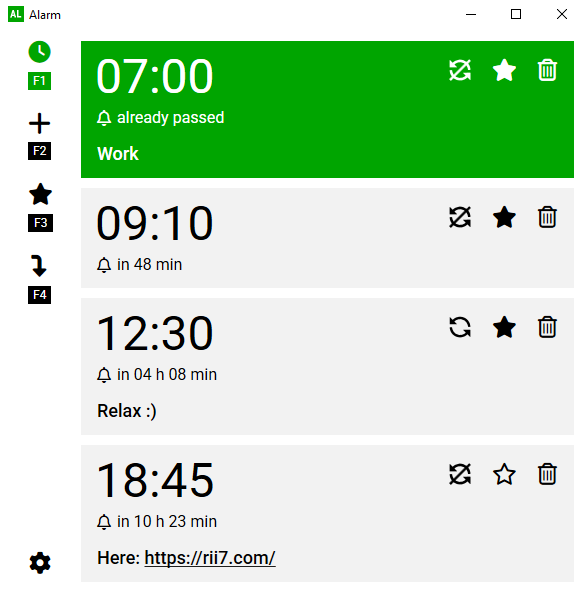
Add an alarm by entering the hours, minutes, and an optional message.
Use the numbered hotkeys to instantly re‑add alarms from your favorites list.
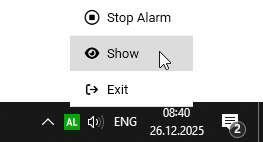
Can be moved to the system tray. Alarms are saved automatically and remain available after a restart.
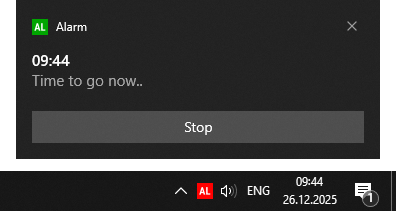
On active alarm, a toast notification can be displayed on top of all applications.
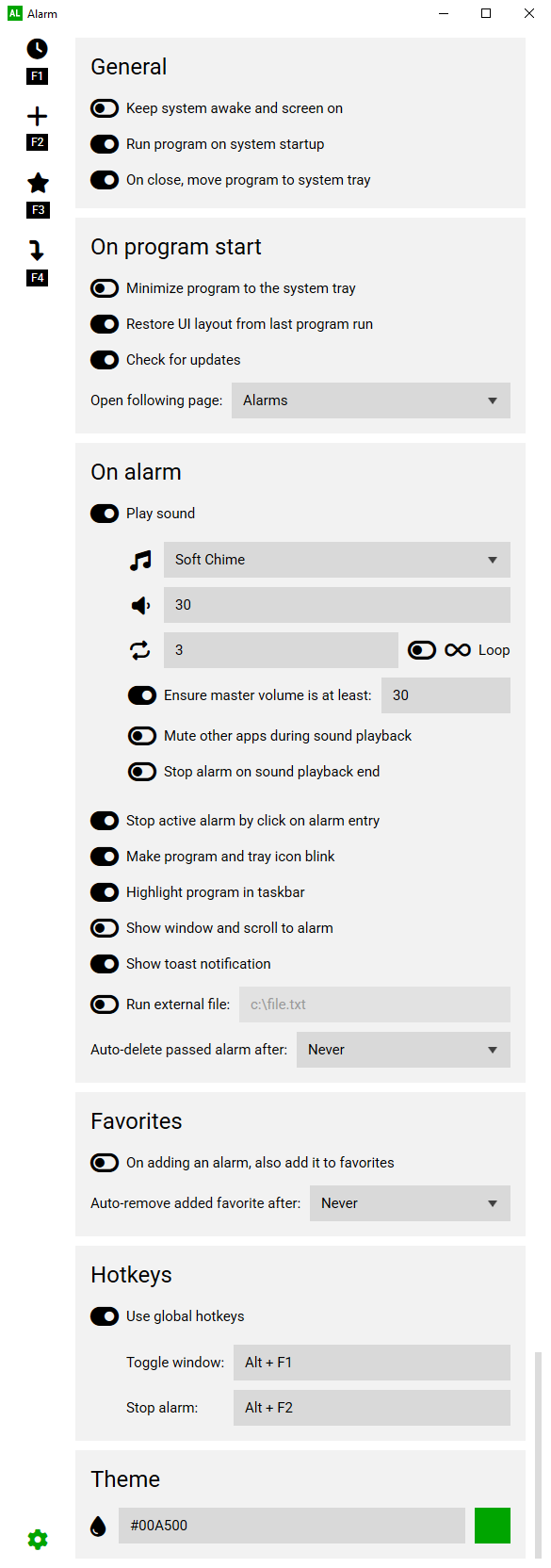
Use the settings to set global hotkeys to toggle the window and stop active alarms, or transform the favorites list into a self‑cleaning history log, and much more.
Add comment